
Free
Try it out
Explore the core tools and see how the workflow fits your process.
Create, resize, refine, and prepare designs without jumping between apps.
The tattoo stencil generator converts reference images into clean, printable tattoo stencils with adjustable line weight, color options, and opacity control. Artists can refine stencil clarity, simplify details, and preview how a design will look before applying it to the skin.
Use the arrow handle on the preview to slide between the stencil and the original image. Ai Tier Subscription is required to use this tool. Classic stencil generator is available to Pro Users.
Open AI Stencil Generator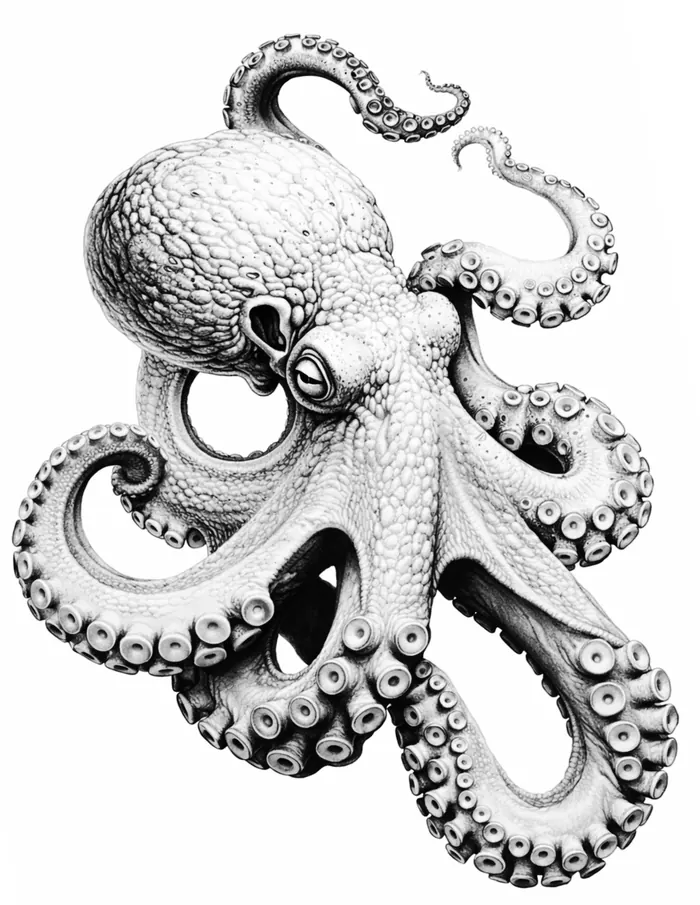
June 1, 2026
We improved the Cross Stitch Pattern Generator with cleaner PNG and PDF exports, plus redesigned preview pages for a smoother, easier-to-use experience.
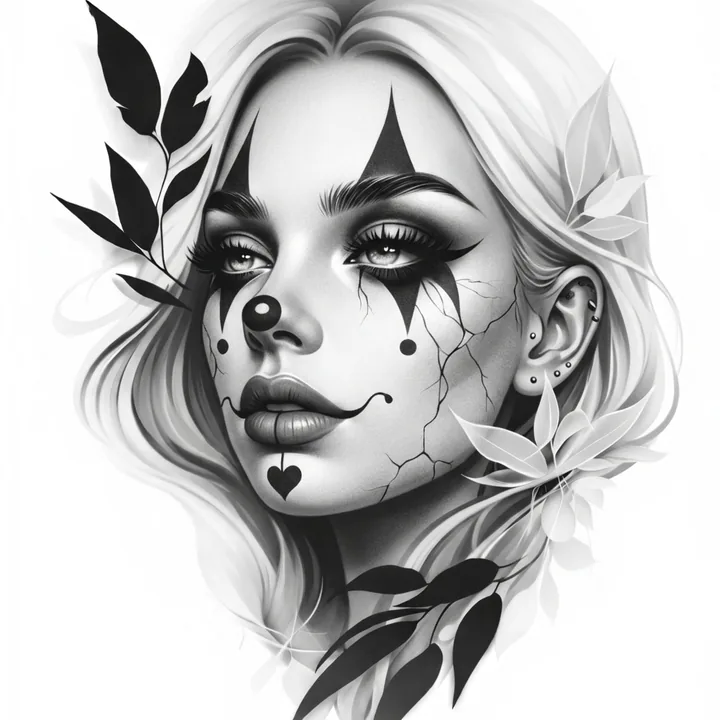
The AI perspective changer lets you instantly reinterpret uploaded images from a new perspective by shifting artwork left, right, or center while maintaining realistic depth and structure. This makes it easier to preview alternative viewpoints for artwork, references, tattoos, and design layouts before moving forward.
The image resizer lets you scale artwork, patterns, templates, references, or other images for larger projects while keeping the layout clean, aligned, and fully printable. Multi-page mode automatically splits oversized images into matching pages, making it easy to print, assemble, and transfer larger designs with accuracy.
Useful for images, murals, craft patterns, templates, tattoo stencils, and other oversized images, this tool helps preserve proportions and move from reference image to print-ready layout faster.
Open Multi-Page Image Resizer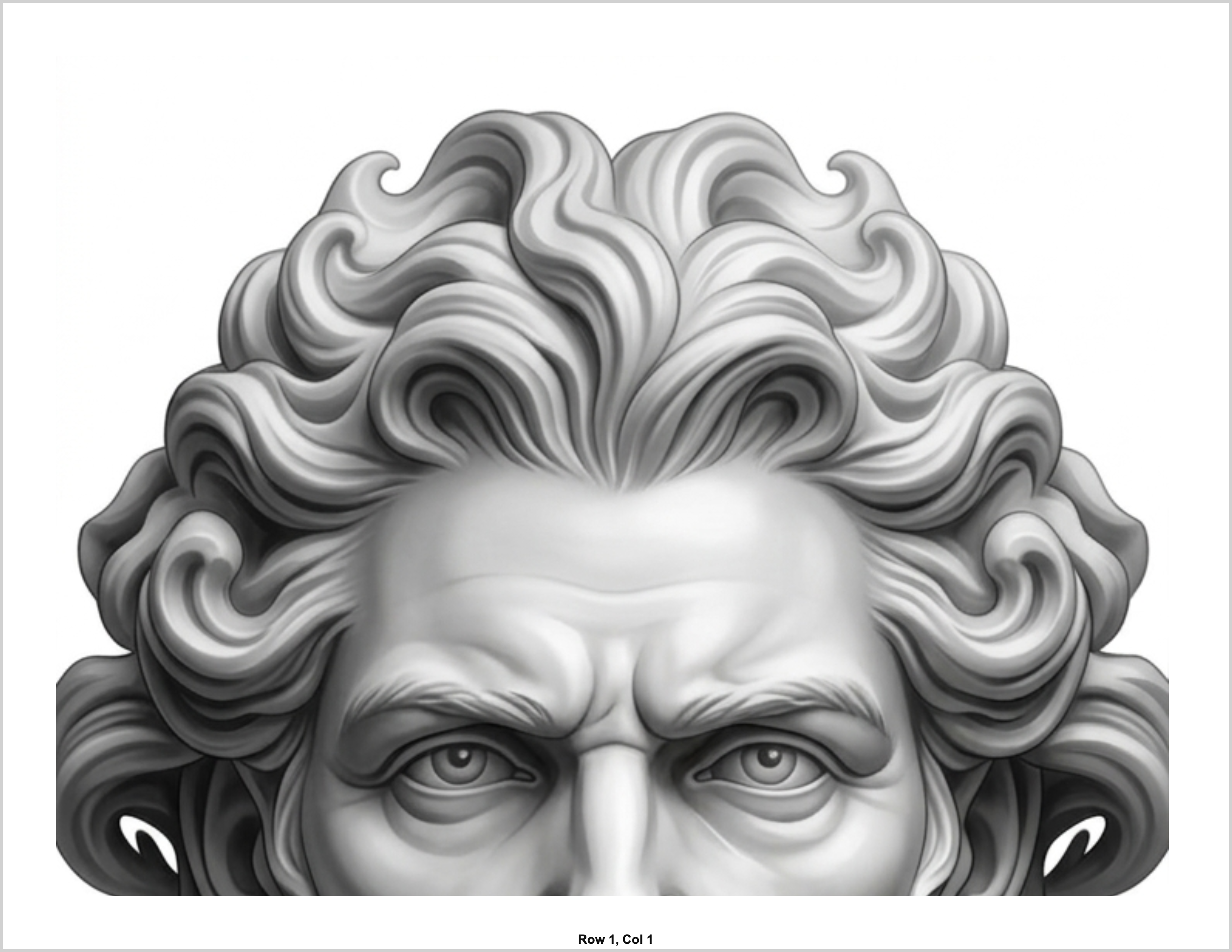
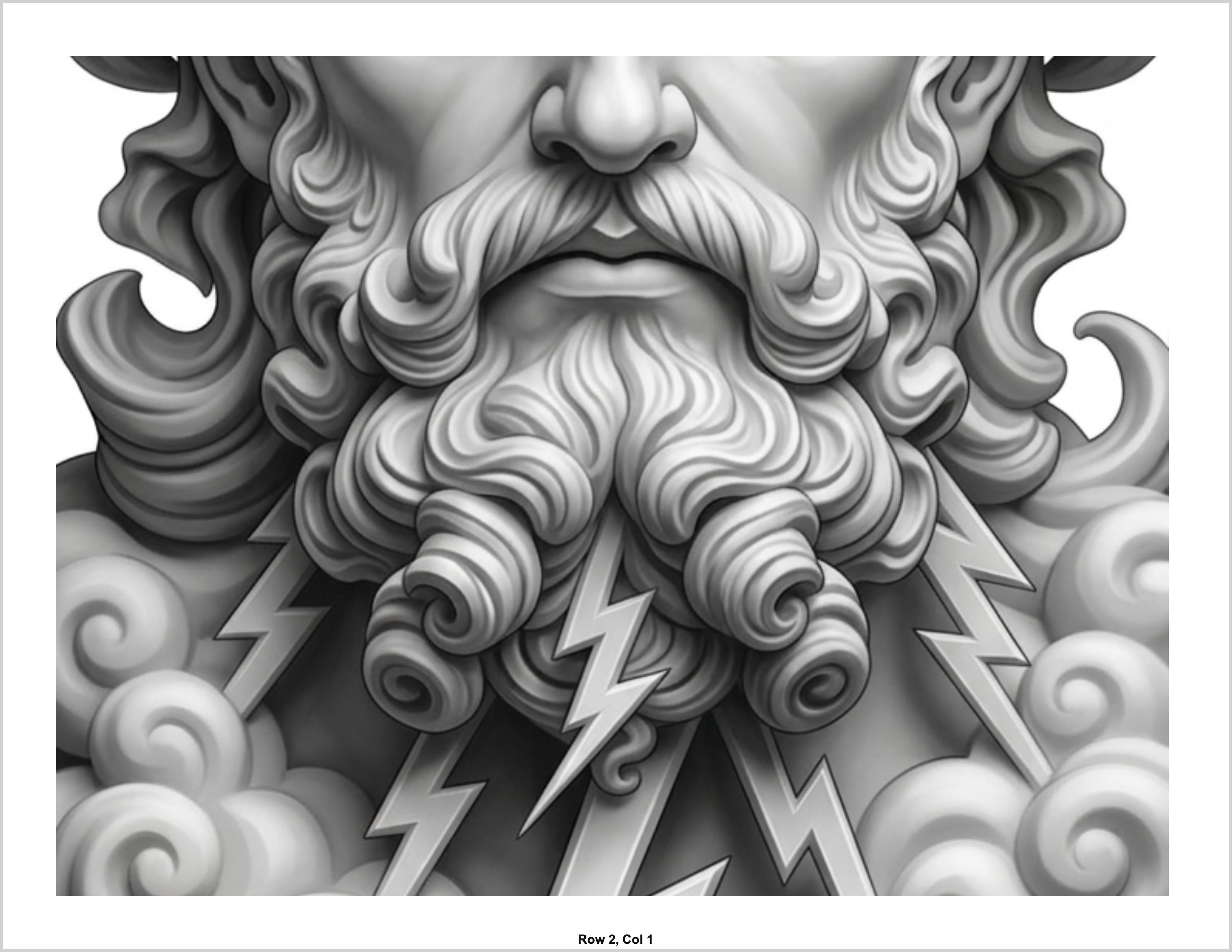
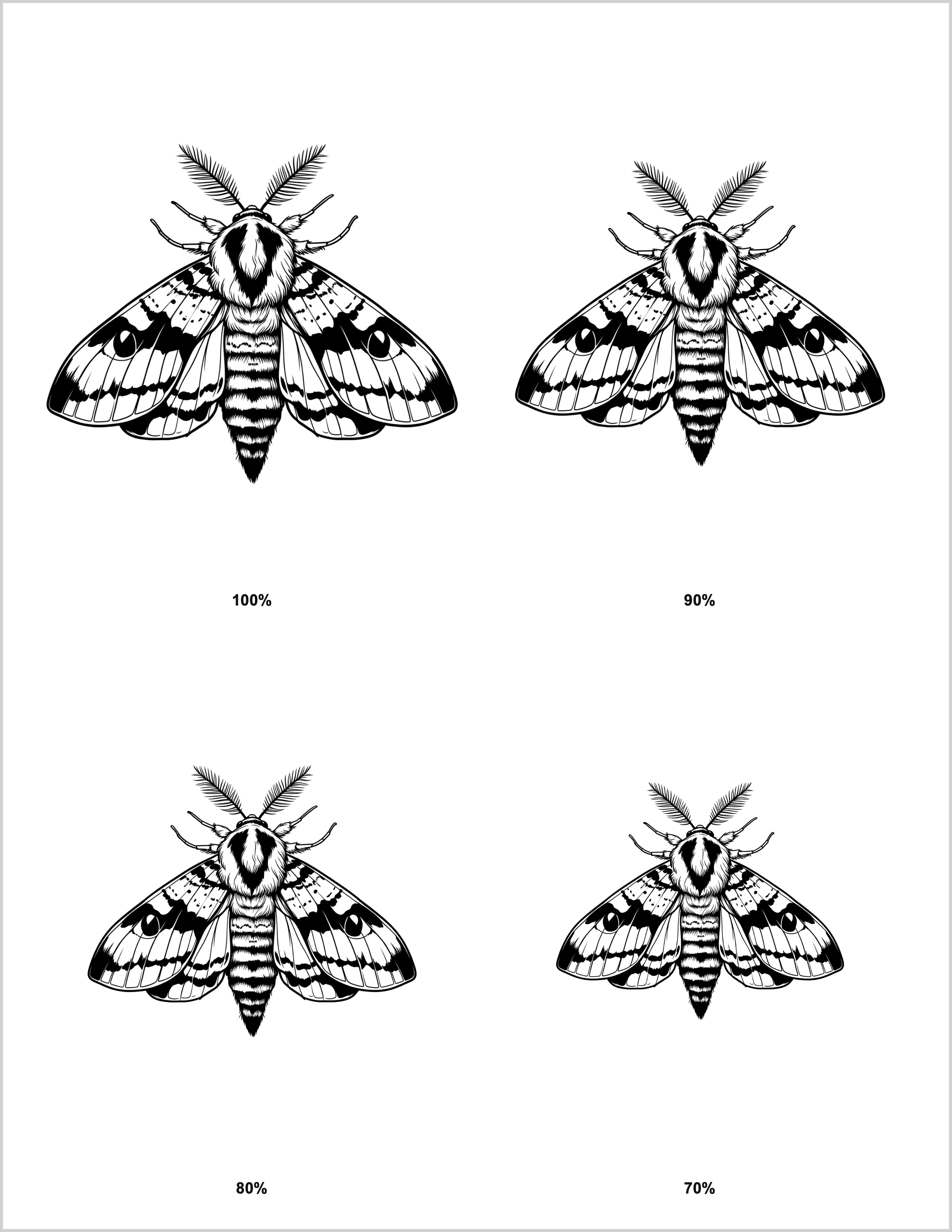
The image size sheet maker places multiple scaled versions of the same image on a single printable page, making it easy to compare sizes before printing, placing, crafting, or sharing artwork.
Ideal for placement planning and proportion checks, image size sheets help artists, makers, and DIY users choose the right scale faster while reducing guesswork.
Open Image Size Sheet MakerBased on size sheet layouts where multiple scaled versions are combined onto one printable page.
Start with the tools you need now, then upgrade when you want access to more tattoo stencil features, resize options, and AI-powered tools.
Explore the core tools and see how the workflow fits your process.
Access all tools including stencil generator, resize, embroidery, cross stitch, glitter, image warp, and more.
Access AI perspective changer and other premium AI-assisted design tools.